
How To Remove Shine in Premiere Pro with Single Slider
When working with video production, nothing disrupts a polished look like unwanted shine on your subject’s face. Whether it’s from studio lights, natural sunlight, or just skin’s natural texture, shine can distract from the message and reduce the overall quality of your footage. Fortunately, Imagenomic’s Portraiture Plugin offers a powerful solution.
Quick Workflow Example
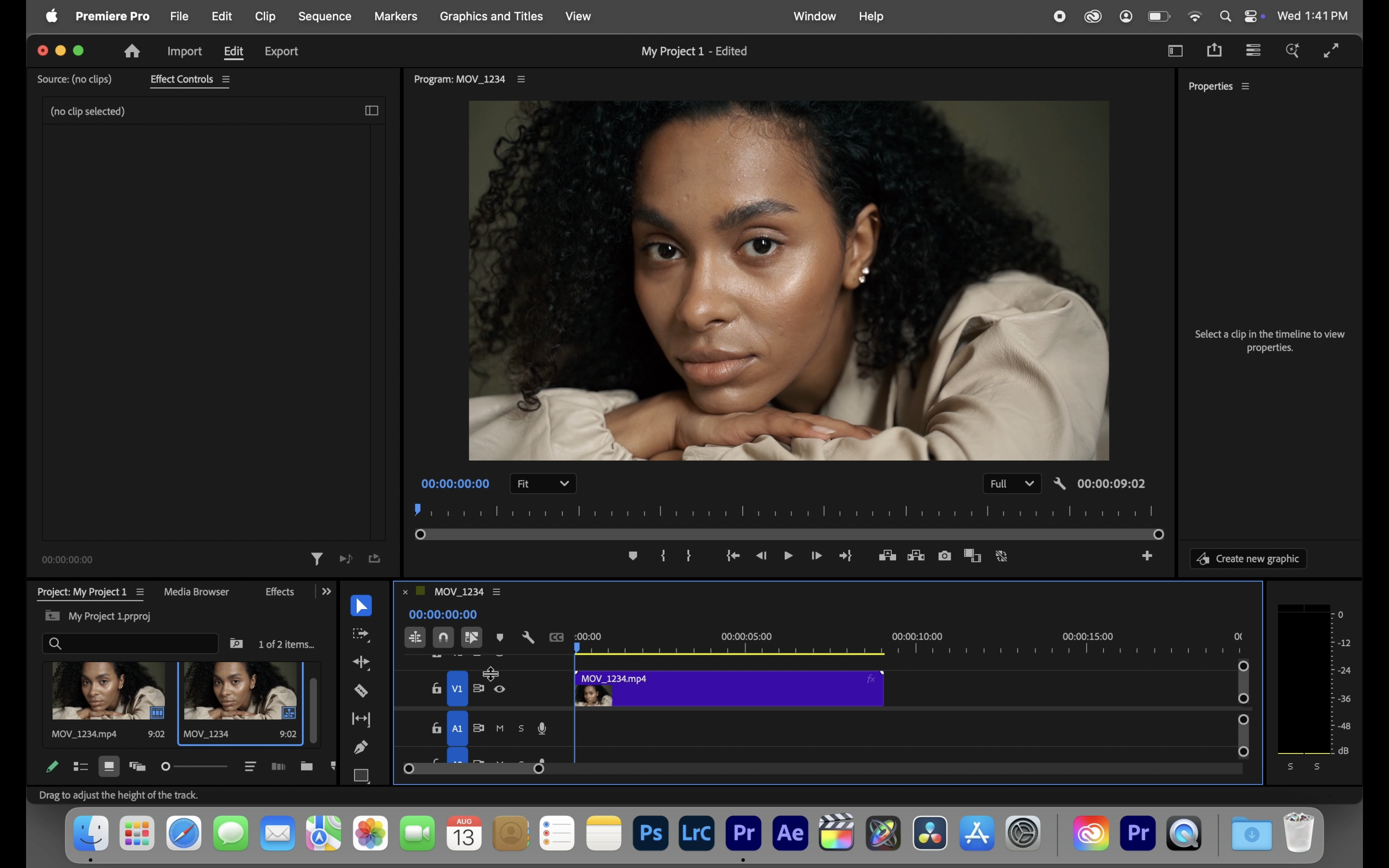
- Import your footage into Premiere Pro.
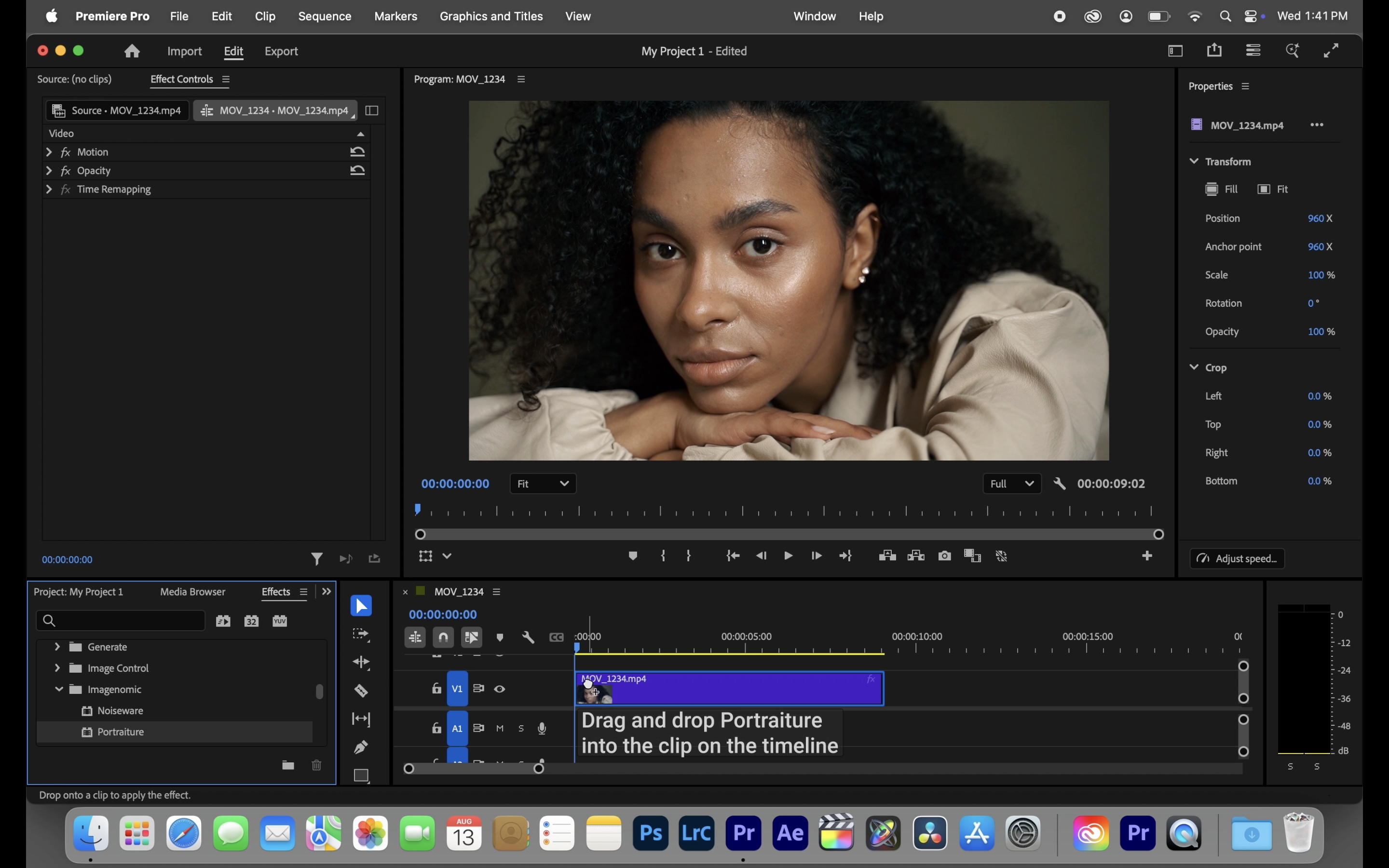
- Apply the Imagenomic Portraiture to your clip.
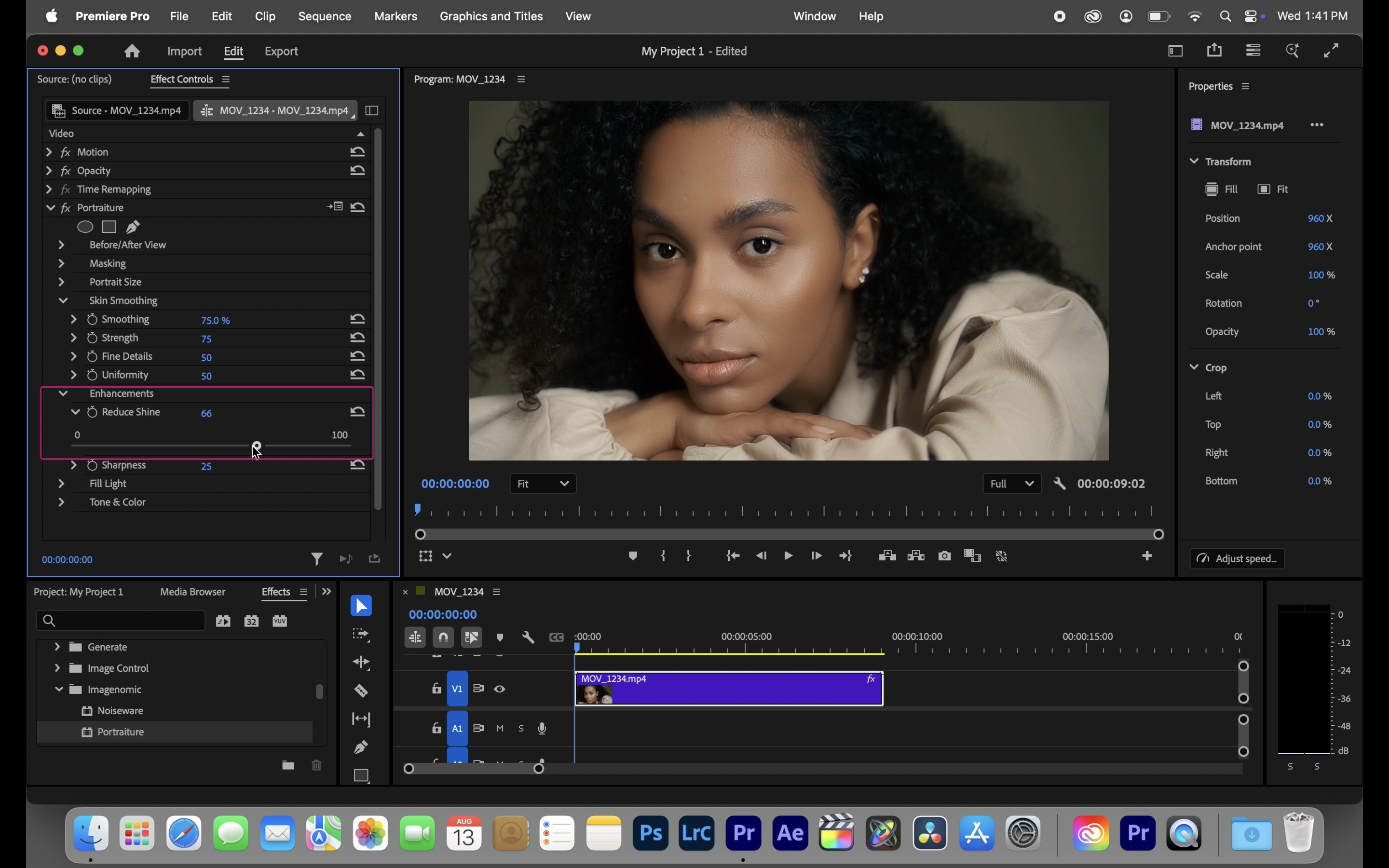
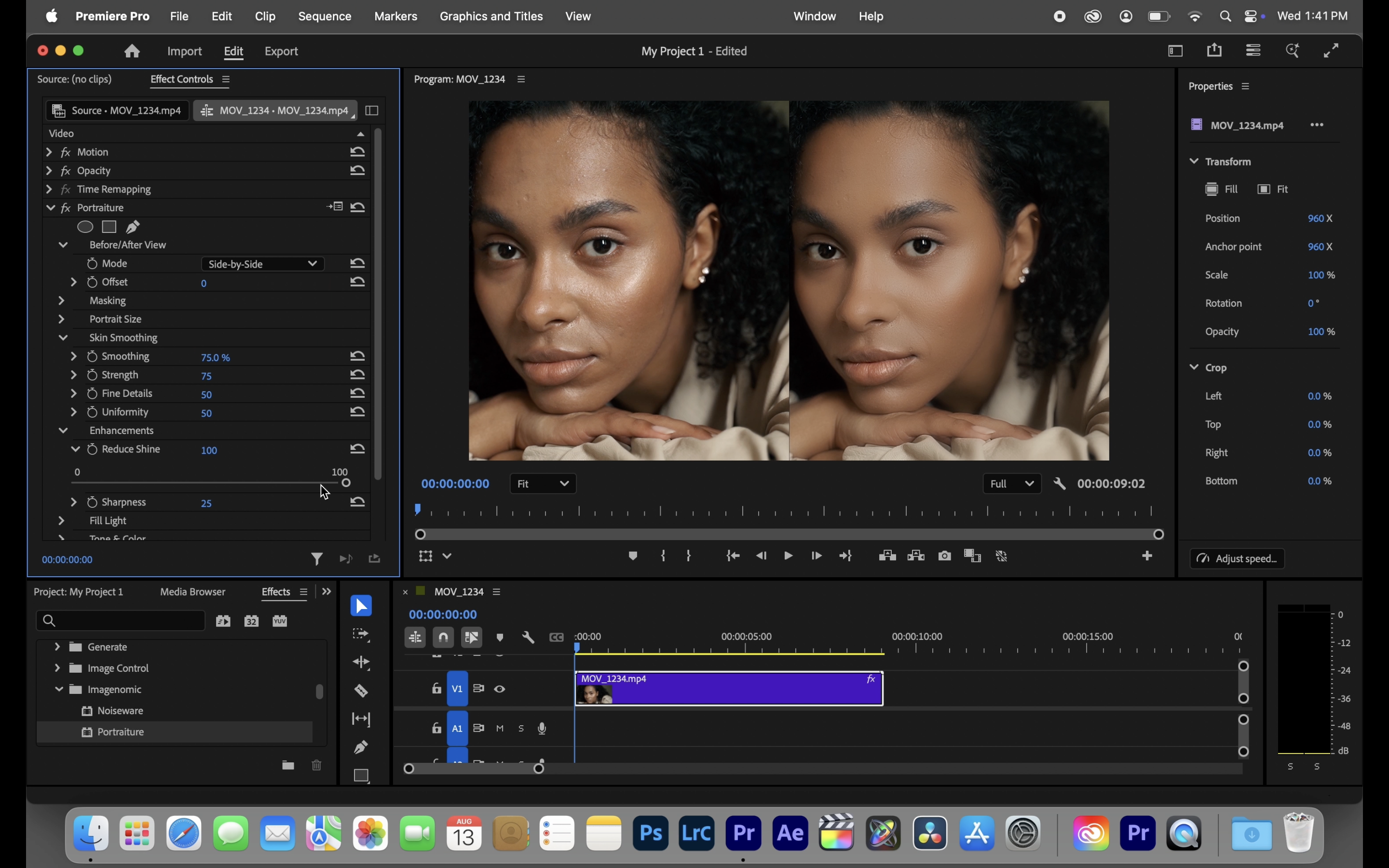
- Use the shine-reduction slider to dial in the look you want.
- Preview in real-time and make subtle adjustments to keep skin natural.
Whether you’re producing content for YouTube, client interviews, fashion films, or corporate videos, shine removal with Imagenomic’s Portraiture plugin saves time and elevates quality.